cmatrix-saver
A cmatrix screensaver for GNOME on Wayland
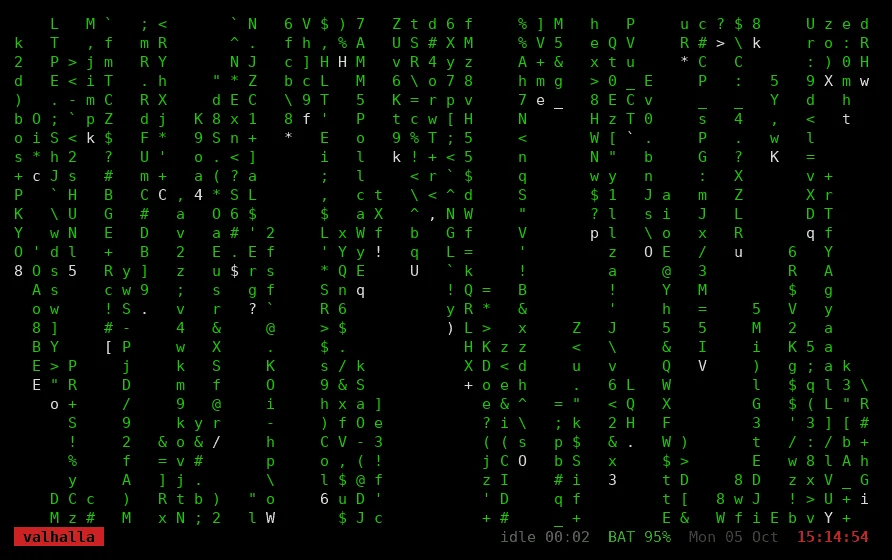
GNOME on Wayland has no screensaver hooks, so this polls Mutter’s idle time over D-Bus and, after five minutes, opens fullscreen kitty on every monitor: a fade-in, a decrypt-style title, then cmatrix, pipes.sh or one of ten scenes of its own: a self-steering snake, Tetris and Pong that play themselves, Game of Life, a maze that solves itself, sorting algorithms and more, with a tmux status bar on the main monitor.
Details
- Mutter ignores where native Wayland windows ask to go, so each monitor gets its own window under XWayland, positioned inside it and fullscreened there.
- A few keys control it (pause, speed, colour, next scene, music) and anything else closes it. Only the focused window gets keypresses, and moving focus would close it, so the keys that change the scene are applied to every monitor’s tmux server at once.
- The snake heads for the nearest % only along a path that still leaves it a way back to its own tail, and otherwise goes wherever has the most room.
- The Tetris bot weighs every landing for height, holes and bumpiness, then has to steer there one move a tick against gravity that speeds up every 10 lines, so sooner or later it tops out.
- Every scene’s game ends on its own and dissolves into the next. A shared Python helper redraws only the cells that changed and handles the keys, resizes and score, with best scores kept across runs.
- A Claude Code hook feeds a strip along the top listing sessions that finished or need input since the saver came up. Scenes and notice sources are plain executables, so new ones drop in.
- It won’t start while a video or presentation is inhibiting idle or the screen is locked.