cr1ms0nfin
An OLED black and red theme for Jellyfin 12
A theme for Jellyfin built around true black backgrounds, one red accent, square corners and monospace details. jellyfin-web 12 is MUI with CSS variables, so one block of overrides beats every built-in theme’s palette whichever one a user picked, and the rest replaces the stock blue that’s hard-coded into sliders, switches, spinners and placeholder cards. An optional script adds a hero banner to Home, a status line when you pause, a volume readout and episode numbers, and carries the theme onto the dashboard.
Details
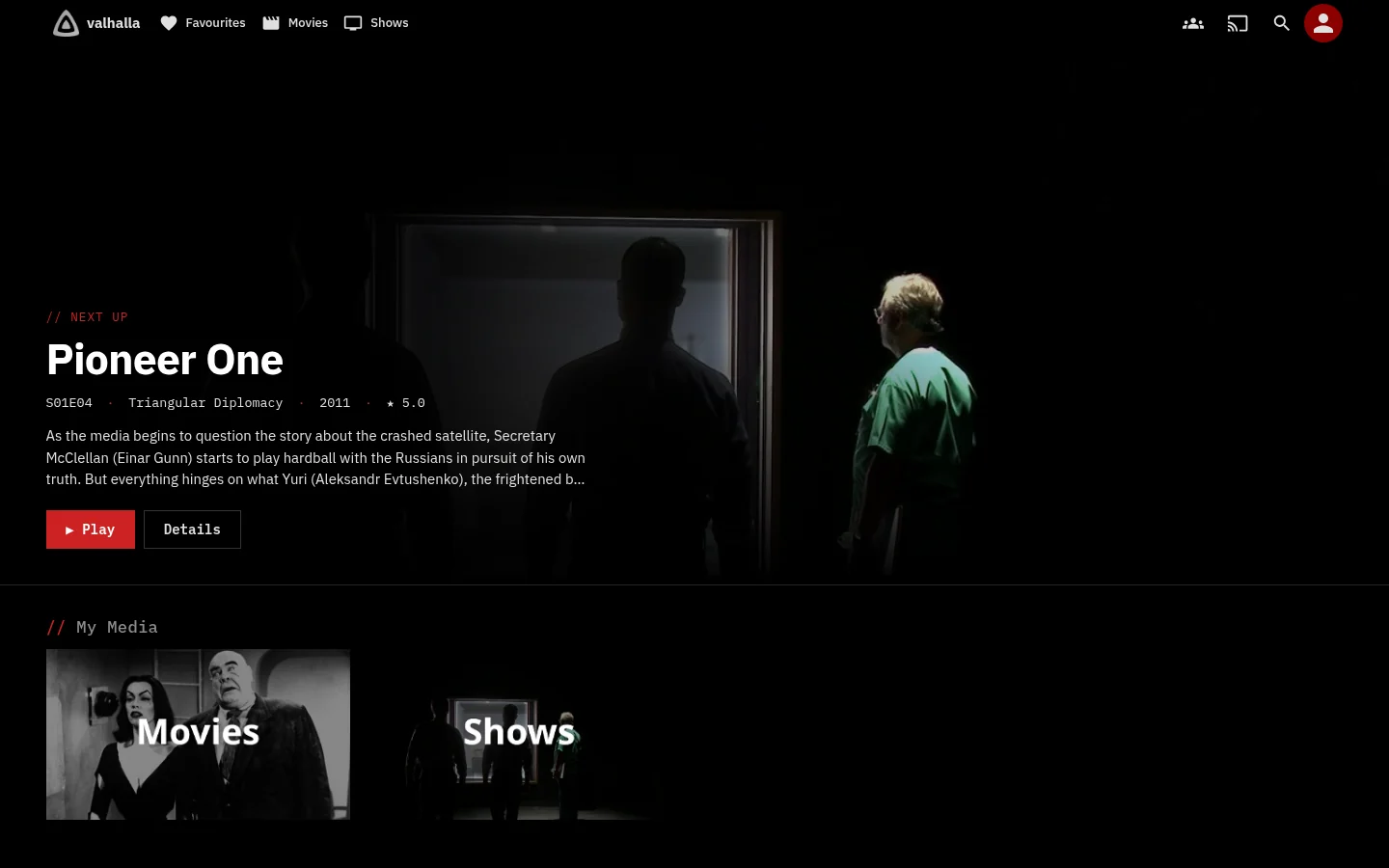
- The hero banner shows whatever you were watching, with a progress bar and the time left. Failing that it shows the next episode of a show you’re partway through, cycling through up to three on desktop with a crossfade, and then an unwatched pick that stays the same for the browser session. Logos are cropped to their visible pixels, and dark ones are turned white so they show on black. On the TV layout, Jellyfin’s d-pad navigation skipped the left-aligned hero, so the script routes Up and Down through it.
- The player: the controls fade in and out together over a flat black strip, the seek bar previews in a square frame, menus mark the current choice with a red “>”, and once the controls hide while paused one mono line says what’s on and how long is left. Subtitles default to Plex Sans on a black box, but only while the user’s own subtitle settings are still Jellyfin’s defaults.
- Desktop browsers get no volume pop-up from Jellyfin at all, so the arrow keys changed the volume with nothing on screen; the script draws one with the level as a number, on Jellyfin’s own cube-root scale so it matches the slider.
- Custom CSS normally loads after Jellyfin’s own splash and spinner. An optional server-side step loads it from the first frame instead, re-applied by a container init script on every start so it survives image updates.
- Jellyfin deliberately leaves Custom CSS off its admin pages so a broken theme can’t lock you out; the script keeps a copy and applies it there too.
- Small red text uses a brighter red than the accent: the accent is 3.8:1 against black, under the 4.5:1 small text needs, and the bright red is 6.2:1. Fills and borders keep the deeper red.
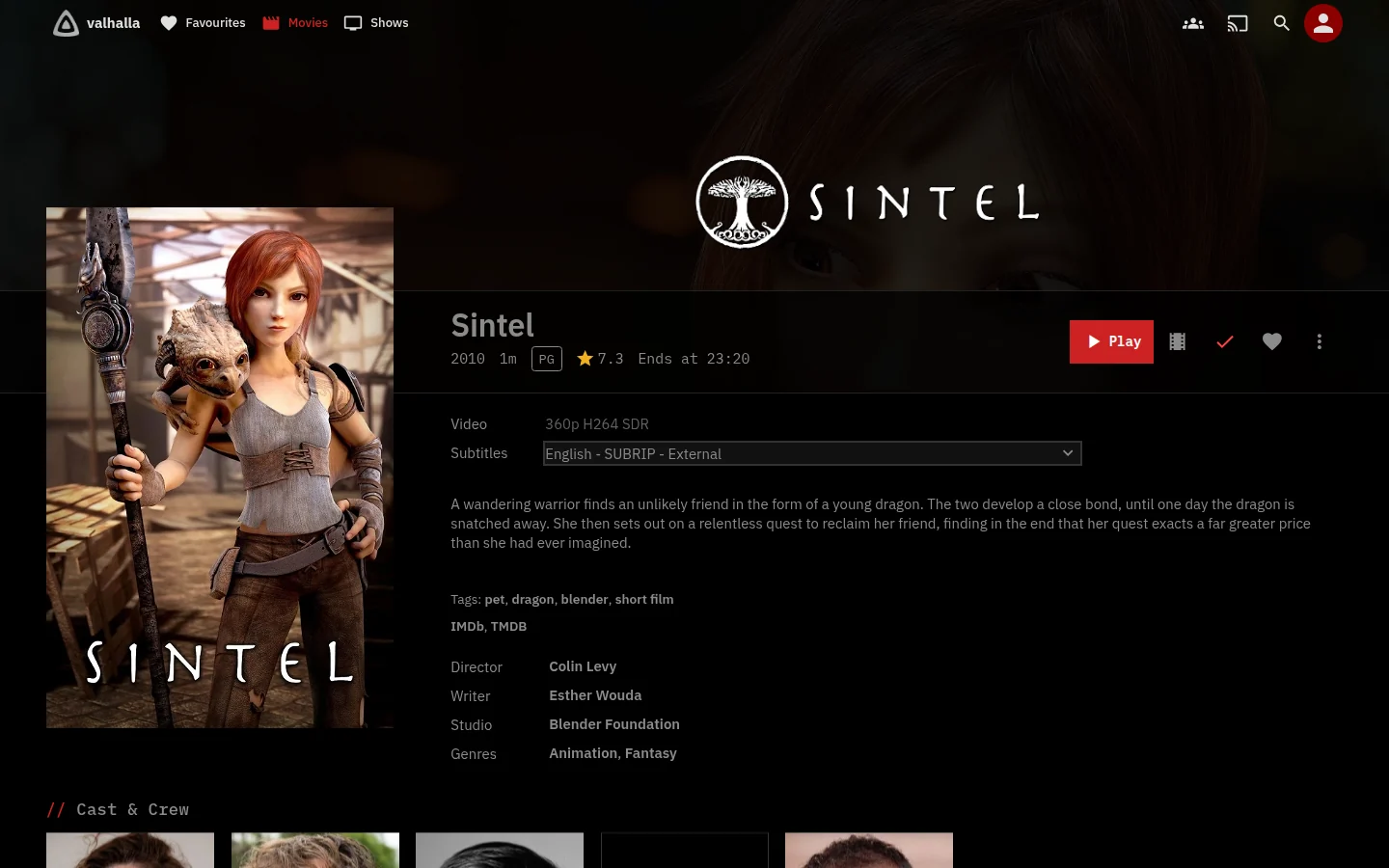
- Section titles read like code comments (“// Recently Added in Movies”), sign-in is a boxed “$ Please sign in_” prompt, and Play on a details page becomes a labelled red button that switches to Resume.
- Short animations: home rows rise in one after another, hovering a card lifts it and closes red corner brackets around it, and the favourite heart beats once. Jellyfin’s spinning circle becomes a square terminal spinner, a red head stepping round a 3×3 grid. All of it turns off under reduced motion.
- It only uses Jellyfin’s own API client and your logged-in session, with no dependencies or tracking.
Screenshots