inkpad
Write on the iPad, see it live on the laptop
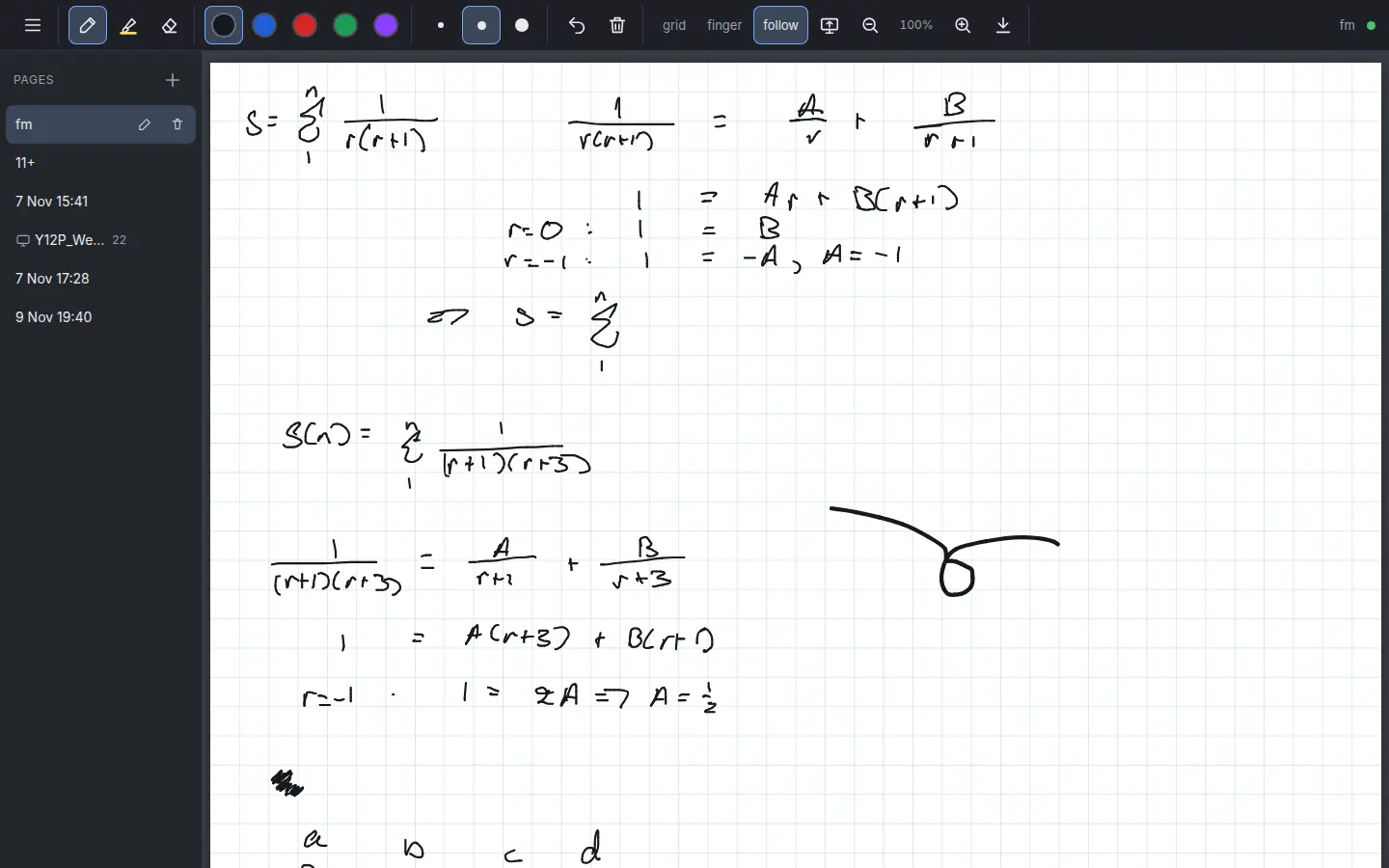
A mini OneNote for tutoring. Apple Pencil strokes stream live to every device with the page open, so I write on the iPad and the laptop I’m screensharing shows it as I write. Import a deck and annotate each slide with space around it.
Details
- One standard-library Python server and one HTML page. Strokes go up as small JSON ops and come back to every device over server-sent events, in-progress strokes included, so writing shows up mid-stroke.
- Pencil pressure sets the line width. Fingers scroll and only the pencil draws, so a resting palm leaves no marks.
- Decks go pptx → PDF (LibreOffice) → one PNG per slide (poppler), inside the Docker image. Calibri is swapped for Carlito, which has the same metrics, so slides keep their line breaks. Each deck is one entry with a slide bar to flip through it, and every slide keeps its own writing.